Screen Time · March 2026
Screens in Homeschool: Practical Questions and Ideas to Guide You
In this blog, I describe our tech journey and the questions that helped me fit screens in the right place for our kids.

When I first used tech in our homeschool, I was Delighted. Outschool, Khan Academy, IXL, TPT… Great for practicing what I had taught. I had it under control.
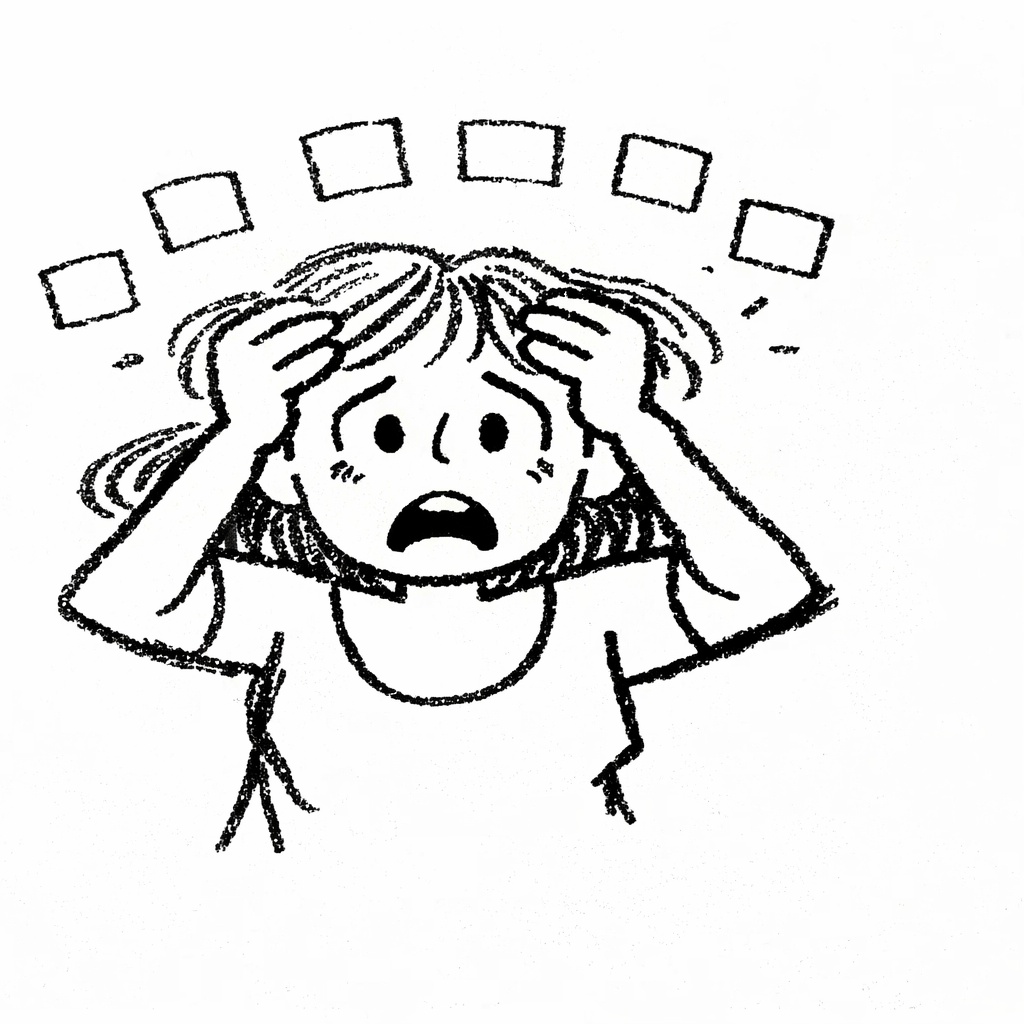
Soon I was Drowning in subscriptions and apps… afraid of missing the latest & greatest Math method or the ‘right’ books to read.
And instead of mastery, my kids were multiple choice-ing their way through foundational concepts in Math and Science. Lessons and quizzes were getting checked off, but not much was actually sticking.

I could see the Disruption that was coming — screen pulling one way, my kids another, and me trying to hold the thread.
I stopped, stepped back, thought long and hard…
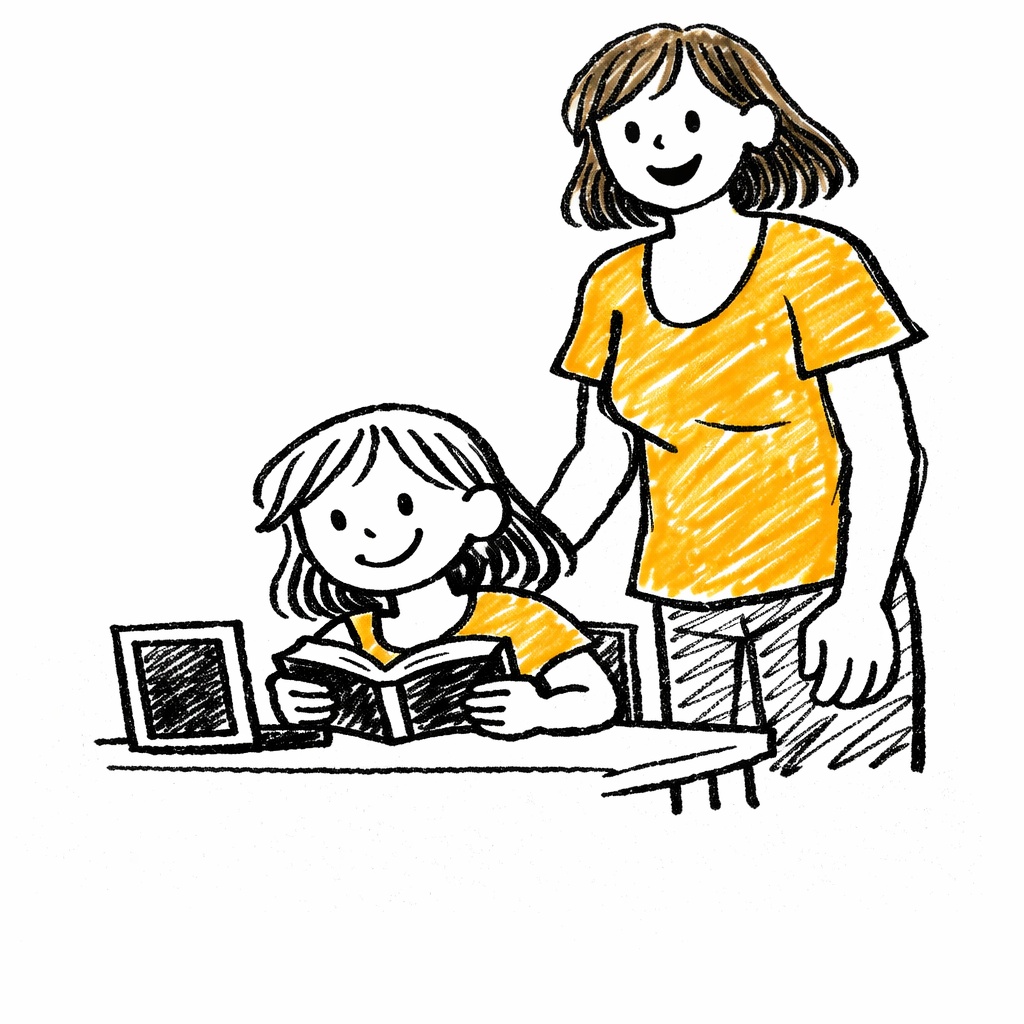
This is when I realized I had to be more Deliberate.
I re-wrote the equation from minimize screen time to maximize screen value.
And asked myself these questions…
What value can the screen bring beyond paper and whiteboard — and does my child even need to be in front of it for that?
This first step was the hardest for me. Intellectually I knew there was value. But emotionally, as a parent, the dreaded “screentime” gnawed at me. For each subject, I looked for value (not just faster, but better).
For Math, the screen was better at generating problems, but I could print those out. For English, the screen wasn’t better — for reading or writing. For Spanish, the screen won on both fronts. On and on. Then the roles almost fell into place.
Now, what do I want my role to be? And what do I want to give to the screen?
Now, I became the Math Teacher again, and used the screen as a Trainer. I printed the problems so I could watch my kids step through them.
The screen was well-suited to Teach some topics, such as current events. But my kids had to handwrite at least the summary outline. I was Training slower, deeper, more organized thinking. Re-handwriting is harder than type-delete, type-delete.
By middle school, Science is asynchronous. The screen is Teaching, and I’m focused on Training — listening to my kids teach it back to me and asking targeted questions — to make sure the foundational concepts are sticking.
Over the years, the screen and I keep swapping roles, depending on the subject — and on what I can teach.
When do I want the screen ‘on’?
I wanted to space out the screen time so my kids wouldn’t space out; and I could step out.
Hours on end = Glassy eyes + Declining attention + Alt+Tab away from harder stuff
If the screen is Teaching and Training Spanish, I’ll follow it with something like the water cycle — offline reading and hand-drawn diagrams.
What could a day look like?
Morning One
| Subject | Configuration | Notes |
|---|---|---|
| Grounded Start — Walk. Swim. Backyard play. | ||
| Math |
Me (Teacher, Online)
Child (Offline)
Screen (Trainer)
|
Print off targeted practice problems. |
| Music Practice | Offline | Intentional reset. |
| Spanish |
Me (—)
Child (Online)
Screen (Teacher, Trainer)
|
Online tutor. |
— or —
Morning Two
| Subject | Configuration | Notes |
|---|---|---|
| Grounded Start — Walk. Swim. Backyard play. | ||
| English |
Offline
Me (Teacher)
|
Hardcopy reading. Whiteboard for grammar. |
| Science |
Me (Trainer)
Child (Online)
Screen (Teacher)
|
Asynchronous lessons. |
| Light Activity — House jobs, knitting. | ||
But what if the screen time needed me and I wasn’t available. Would learning stop for hours? What would happen if I was the Teacher … and I just didn’t have it in me? Sometimes I could plan ahead and let the screen serve as backup. Sometimes it was just a day off – and that was okay.
It’s all about fit — for you and the child in front of you.
Questions? Book a free intro call.